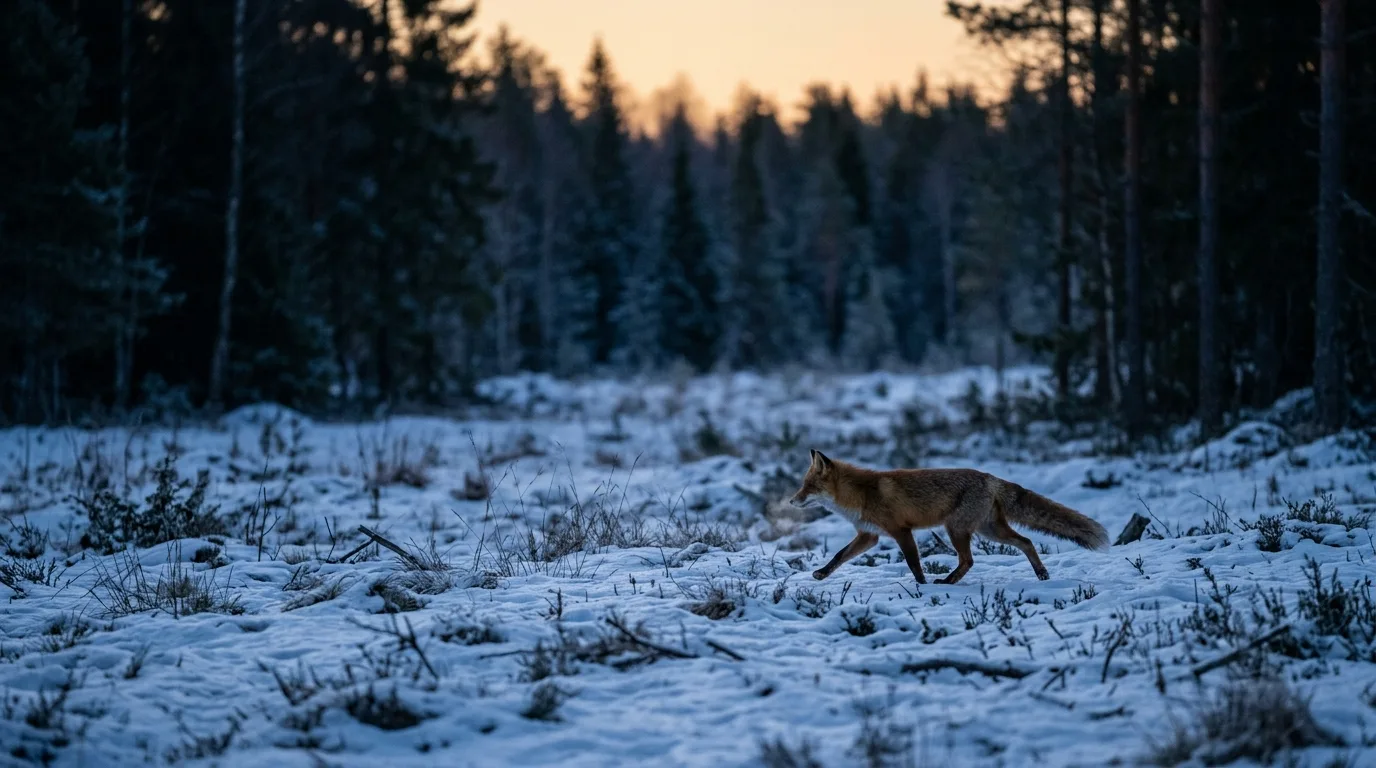
Every photo your cameras took already carries the most valuable number in the whole dataset, and it isn't the species. It's the time of day. A camera trap fires when an animal is present, so the pile of timestamps you've collected is a sample of when that animal was awake and moving — more triggers when it's active, fewer or none when it's resting. Read off enough of those times and you can reconstruct the shape of a species' day: when it stirs, when it peaks, when it goes quiet. That's an animal activity pattern, and a camera trap is one of the few cheap, non-invasive ways to get one.
Here's the whole pipeline in one breath, so you know where this is going. You pull a clean date-time off every image (almost always from the EXIF metadata, sometimes by reading the timestamp burned into the photo itself); you decide which records count as independent events; you convert those clock times to a circular scale and, if your study spans seasons or sits far from the equator, to solar time; you fit a circular kernel density to the times to estimate the activity curve; and if you're comparing two species, you calculate the coefficient of overlapping (Δ) between their curves. In R, the work lives almost entirely in three packages — `overlap`, `activity`, and `camtrapR` — and the whole thing rests on one unglamorous prerequisite: about 100 detections of the species before you trust the curve.
None of those steps is hard. Several of them are easy to get quietly, invisibly wrong — a clock that drifted, an "independence" filter that deletes the very peak you're trying to measure, a sunrise that moved three hours between June and December while your x-axis stayed put. This piece walks the pipeline end to end and, just as importantly, flags where a trustworthy activity analysis diverges from a junk one. The difference is usually not the statistics. It's the data hygiene upstream of them.
First, get clean date-times out of every photo
You cannot reconstruct later when an animal was photographed — there's no second source for it the way there is for, say, a camera's coordinates. As the GBIF best-practices guide puts it bluntly, the date and time "is the most important aspect of its metadata... and cannot be derived later". So this step deserves more care than it usually gets.
The clean path is the embedded metadata. When a camera writes a JPEG, it stamps the capture time into the EXIF block, in the `DateTimeOriginal` field. Tools read that field directly: `camtrapR`'s `recordTable()` function leans on ExifTool to pull `DateTimeOriginal` off each image and assemble a tidy record table of station, species, and time. If your images carry good EXIF, this is a solved problem — point the function at your folders and you have machine-readable date-times in seconds.
Two upstream habits make all of this safer, and both are about the camera, not the software. First, set the clock to UTC or local winter time and disable the automatic switch to summer time. Daylight saving is a silent saboteur of activity data: if you set a camera's clock during summer and it doesn't know about DST, every winter photo lands an hour off true clock time, and vice versa — a systematic one-hour error smeared across half your records. `camtrapR`'s advice is the pragmatic version of the same rule: if your study area uses DST but your cameras don't record it, leave the analysis time zone at UTC, because UTC has no summer-time jump to trip over. Second, if you're naming or organizing files yourself, start filenames with the date — `YYYYMMDD_HHMMSS` — so that sorting them alphabetically also sorts them chronologically, and write times in ISO 8601 (`YYYY-MM-DDTHH:MM:SS`) when you export.
If you discover after the fact that a camera's clock was set wrong — a whole deployment offset by a known amount — it's recoverable. `camtrapR` includes `timeShiftImages()` to batch-correct the timestamps in image metadata, and a dedicated `fixDateTimeOriginal()` for a specific failure mode: certain Reconyx HyperFire cameras that don't store the date and time in the standard tag. Back up the images first. The point is that clock errors caught early are an annoyance; clock errors caught never become a fictional activity pattern.
Define your categories — but know they're a coarse first pass
Before any curve-fitting, it helps to have the vocabulary the field has used since the beginning. The moment researchers realized camera timestamps could describe activity, the first thing they did was sort species into four buckets:
- Diurnal — active mostly in daylight.
- Nocturnal — active mostly at night.
- Crepuscular — active mostly at twilight, around dawn and dusk.
- Cathemeral — active across both day and night, with no strong preference.
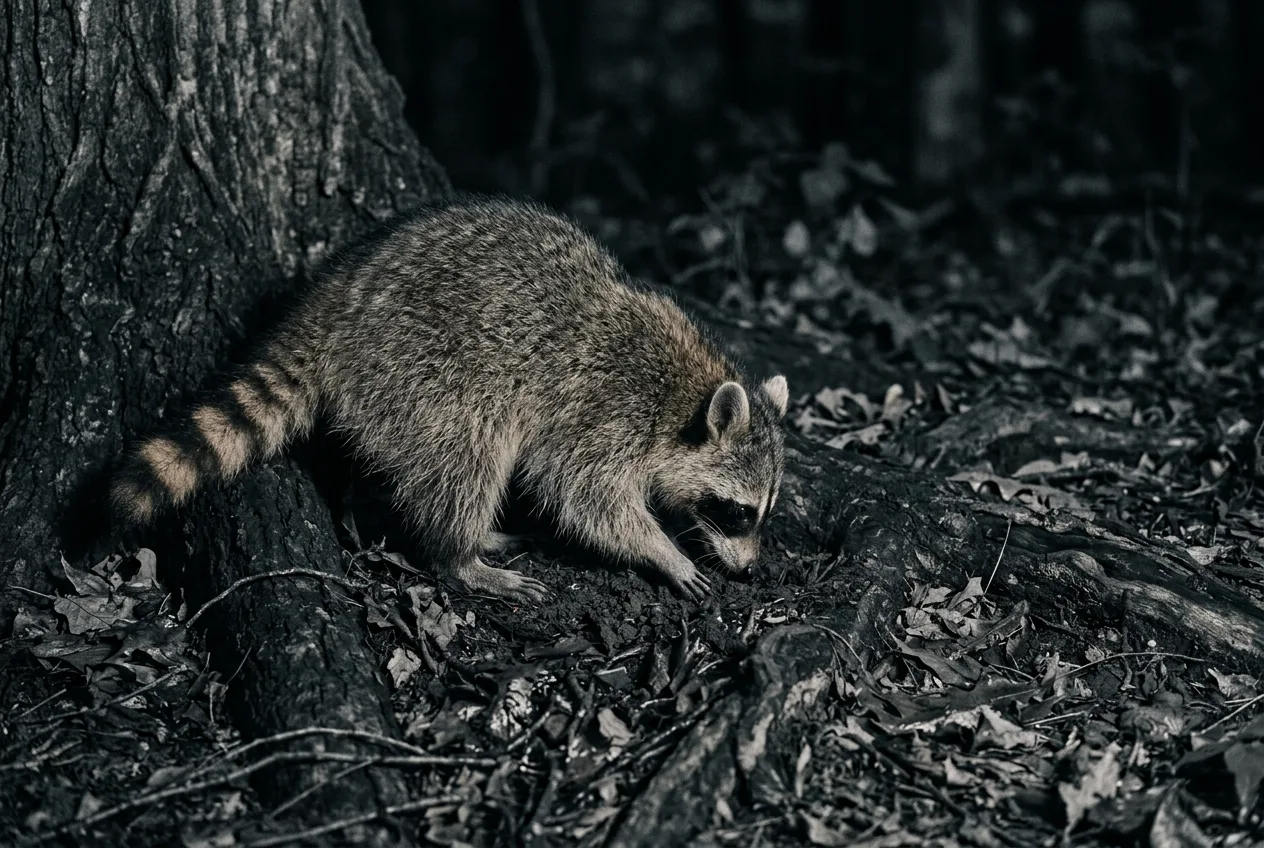
These aren't just vibes; you can define them operationally. In a two-year survey of eight mammals in northern Japan, Ikeda and colleagues binned every photo into day, night, or twilight, compared photographic frequency across the three periods with a one-way ANOVA, and assigned each species to a category: diurnal if photos clustered in daytime, nocturnal if at night, crepuscular if at twilight, and cathemeral when there was "no difference" among the three periods. That gave clean calls — Eurasian red squirrels diurnal, raccoon dogs and raccoons nocturnal, sika deer and mountain hares crepuscular, Japanese martens and brown bears cathemeral.
Two cautions come with the buckets. The first is that they're genuinely coarse, and the most interesting findings live in the cracks between them. Those same sika deer "changed peaks from twilight during spring–autumn to day-time in winter, possibly because of thermal constraints," and martens were cathemeral most of the year but nocturnal in autumn. A single category label would have erased both. The second caution is scale. Globally, the four-way split is lopsided: in a dataset of thousands of mammal species, Bennie and colleagues found "the majority of mammal species are nocturnal (69%...; 20% diurnal, 8.5% cathemeral, and 2.5% crepuscular)," and that the strategy is deeply conserved across the mammal tree (Pagel's λ = 0.947). So your default prior for an unstudied mammal should be "probably nocturnal," and a confident diurnal classification deserves a second look — especially given the placement traps we'll get to later. Categories are a useful headline. The activity curve is the story.
Categories are a useful headline. The activity curve is the story.
Temporal independence: the most consequential — and most disputed — choice you'll make
Here's where good intentions wreck activity analyses. Cameras don't take one photo per visit. A single animal lingering in front of the lens, or a camera set to fire bursts of three or ten frames per trigger, can produce dozens of timestamps from one moment of activity. Left in, those near-duplicate times pile up and bias the curve toward "the times the species happened to perform in front of your cameras," in `camtrapR`'s memorable phrasing about a Great Argus pheasant that loved the spotlight.
The standard fix is a time-to-independence filter (in `camtrapR`, the `minDeltaTime` argument): collapse any records of the same species at the same station that fall within some window — 30 minutes and 60 minutes are the common choices — down to a single event. It's easy to apply. `camtrapR`'s `recordTable()` defaults to `minDeltaTime = 0` (keep everything) and lets you set, say, 60 to thin the data; in the package's sample run, 68 images become 56 records after duplicate-time removal, then 40 once a one-hour filter is applied. Crucially, `minDeltaTime` "affects all activity plot results, as it determines temporal independence between records" — change the window and you change the curve.
And that is exactly the problem, because the convention is contested at the root. Peral and colleagues reviewed 134 open-access camera-trap activity studies and found that "nearly 70% (90 of 134...) apply a time-to-independence filter," typically 30 minutes, sometimes 60 or even 24 hours. Their argument against it is conceptual: these filters were borrowed from abundance estimation, where multiple photos of one individual inflate counts, but activity is not a series of discrete events — it's a continuous state. As they frame it, the filter makes the observer "effectively decide that the animal is inactive in this period, discarding meaningful information on animal activity". Worse, the damage is uneven. Using a Serengeti dataset of 164,509 images, they showed that abundant, social herbivores "lost 74–93% of activity data when time-to-independence increased from 1 to 60 minutes," while rare carnivores lost only 21–23%. The filtering didn't just shrink samples; it deformed the curves — gazelle's midday peak fell by as much as 44% — and because it hit herbivores and carnivores asymmetrically, it biased the very predator–prey overlap comparisons people run. Their conclusion is unambiguous: the use of time-to-independence filters in activity estimation "is not valid and should not be used".
So what should you actually do? Don't read Peral as "keep every frame raw." Read it precisely. Burst frames — the ten shots a camera fires on a single trigger — are not a sample of behavior at all; they're a user-defined setting, and Peral explicitly says these should be excluded from activity analyses. The dispute is narrower than it first looks: nearly everyone agrees you must remove the artificial pile-up from bursts and a single animal loitering. The live disagreement is whether to then impose a fixed clock window (30 or 60 minutes) on top of that. The newer, defensible position is to remove only the obvious non-independence and otherwise keep the records, or — if you do filter — to report what filtering does to your estimates rather than picking 30 minutes because everyone else did. Whatever you choose, state it. An activity result is uninterpretable without its independence rule, and the fact that published studies used "variable and arbitrary" windows means their curves often can't be meaningfully compared to each other. Be the study that's explicit.
An activity result is uninterpretable without its independence rule. Be the study that's explicit.
Fit the curve: circular kernel density and the von Mises kernel
Now the statistics, which are the easy part. Time of day is circular — 23:59 is adjacent to 00:00, not eleven hours away from it — so you can't fit an ordinary density curve to it. You fit a circular one. The standard approach, introduced for camera data by Ridout and Linkie and now the field default, fits a kernel density to the observed times using a von Mises kernel (the circular analog of the Gaussian) rather than the usual straight-line kernel. The result is a smooth probability density over the 24-hour cycle: tall where the animal is active, low where it isn't.
A few mechanics matter. All of these tools work in radians, not hours or fractions of a day, so the first line of almost any script converts: `timeRad <- time 2 pi`. Smoothing is controlled by a bandwidth, exposed in the `overlap` package as the `adjust` argument — raise it above the default of 1 for a flatter curve, lower it for a spikier one — and the choice affects downstream overlap estimates, so it's not purely cosmetic. In the `activity` package, the same job is done by `fitact()`, which fits the circular kernel and, because more records accumulate when the animal is more active, derives an overall activity level — the proportion of the day the population spends active — from the area under the distribution.
Two R packages dominate, and they're complementary. Use `overlap` (functions `densityPlot()`, `overlapPlot()`, `overlapEst()`) when your question is about comparing two species' curves. Use `activity` (`fitact()`, `solartime()`, `compareCkern()`) when you want a quantified activity-level estimate with bootstrapped confidence intervals, or richer tools for comparing distributions statistically. And `camtrapR` ties them to your images: its `activityDensity()` calls `overlap::densityPlot()`, `activityOverlap()` calls `overlap::overlapPlot()` and `overlapEst()`, and `activityRadial()` and `activityHistogram()` give you the clock-face and hourly-bar views, all read straight from the record table. For visualizing results, the radial plot and the overlaid density curve are the two workhorses; the density plot is the one to publish, because it shows the actual estimated shape rather than aggregating to whole hours.
Time of day is circular — 23:59 is adjacent to 00:00, not eleven hours away from it — so you can't fit an ordinary density curve to it.
Comparing species: the coefficient of overlapping (Δ)
The single most common reason to do this analysis is to ask whether two species share the day — predator and prey, or two competitors. The standard summary is the coefficient of overlapping, Δ, the area lying under both density curves: it runs from 0 (no overlap at all) to 1 (identical activity patterns). Think of it as the fraction of activity the two species hold in common.
Which estimator you use depends on your smaller sample size, and this trips people up. The `overlap` package offers three — Dhat1, Dhat4, and Dhat5 — and the guidance is concrete: use Dhat1 for small samples and Dhat4 for larger ones. Where exactly the threshold falls is stated slightly differently in different places by the same authors, which is worth knowing: the package documentation says "Dhat4 is best when the smallest sample has at least 50 observations," while the package vignette puts the crossover higher, recommending Dhat1 when the smaller sample is under 50 and Dhat4 when it's "greater than 75," with a gray zone between. The practical reading: comfortably above ~75 in your smaller sample, Dhat4; clearly small, Dhat1; in between, prefer Dhat1 and don't over-interpret. One rule is firm in every source — do not use Dhat5, because "even tiny changes in the data can result in large, discontinuous changes in Dhat5, and it can take values > 1". (Heads-up for `camtrapR` users: `activityOverlap()` returns Dhat1 by default, so if your samples are large, pass `overlapEstimator = "Dhat4"` rather than accepting the default.)
Confidence intervals come from a bootstrap, and a smoothed one is preferred — fit a density, then draw simulated observations from it — because plain resampling can never produce a time outside your observed range, which is wrong for a continuous activity pattern. Use enough resamples: examples often show 1,000, but the vignette is explicit that "for a real analysis 10,000 bootstrap samples would be better," and the package warns that "for stable estimates you need at least 999 bootstrap estimates, preferably 10,000".
Worked numbers make this concrete. In the canonical Kerinci example, tigers and macaques in one zone — both with more than 75 observations — gave a Dhat4 overlap of 0.42, a moderate, partial overlap. In a Northern Ireland predator–prey study, foxes and hares overlapped 73% (CI 68–77%) annually, foxes and rabbits 80%, foxes and wood mice 81% — the predator's day tracking its prey's — while pine martens and diurnal squirrels showed the opposite, an asynchrony consistent with temporal avoidance. Among sympatric large carnivores on the Qinghai–Tibet Plateau, snow leopards and lynx overlapped Δ = 0.88 (CI 0.80–0.95), snow leopards and wolves 0.86, wolves and lynx 0.83 — all high, all predominantly nocturnal, with overlap dropping toward moderate in the warm season. A common convention for talking about these numbers: below 0.5 is low overlap, 0.5–0.8 moderate, above 0.8 high. It's a useful shorthand, not a law.
How much data is enough? Roughly 100 detections
You can run every function above on a dozen photos. You shouldn't. The sample-size question has a clean empirical answer from Lashley and colleagues, who compared camera-derived activity curves against radio-tag "truth" and sub-sampled the data to watch accuracy degrade. Their finding: "mean overlap increased and overlap error decreased rapidly as sample sizes increased until an asymptote near 100 detections," past which more data bought little improvement. Their recommendation is the number to remember — collect at least 100 detections of a target species before estimating its activity curve.
Two honest caveats around that 100. First, the effort to get 100 detections "may vary widely depending on the ecology, mobility, and detectability of the species" — trivial for a common deer, a season's work for a rare cat. Baiting can help: in that study, baited ("active") cameras pulled a 700-fold higher deer detection rate than trail-placed passive ones, which matters when you're racing to a sample within a biologically meaningful window. Second, even at good sample sizes, camera curves matched radio-tags well in shape but differed in the magnitude of peaks — overlap with radio-tag truth ran Δ = 0.74–0.84, with statistically significant differences concentrated at peak feeding times. Cameras are excellent for when a species is active; be more cautious reading the exact height of a peak.
For the bootstrap itself, the floor is lower but still real: the `overlap` package notes 40 bootstrap estimates is the bare minimum for a 95% confidence interval, 200 for 99% — but, again, you want hundreds-to-thousands for stability, not the minimum.
Clock time vs. sun time: the correction most casual analyses skip
This is the step that separates a careful activity analysis from a sloppy one, and it's invisible if you don't know to look. Sunrise and sunset move through the year, and they move more the farther you are from the equator. If you pool photos across seasons on a fixed clock-time axis, a crepuscular animal's two peaks — which actually track dawn and dusk — get smeared into broad, flattened humps, because "dawn" was 05:00 in June and 07:30 in December. Pool across a wide enough span and you can even manufacture overlap that isn't real: the vignette's example of a bat that emerges at sunset and a hawk that roosts at sunset shows zero overlap in any single month, yet the pooled data show apparent overlap purely because sunset moved.
The fix is to express each photo's time relative to the sun rather than the clock. Both main packages do it. In `overlap`, `sunTime()` "converts a vector of clock times to 'sun times', by mapping sunrise to π/2 and sunset to 3π/2," given each record's date and location. In `activity`, `solartime()` anchors clock times to mean sunrise and sunset for the study's coordinates and returns both a clock-time and a solar-time version so you can compare them. The rule of thumb that falls out of this: the farther you are from the equator and the more of the year your study spans, the more the correction matters — the underlying activity-level method's assumptions are explicitly "less likely met in large predators, or in high-latitude winters". Near the equator, or for a study confined to a single short window, clock time is usually fine.
In practice the careful studies just do it. A 61-species study across Chinese montane forests "converted clock time for each detection to a relative solar time to eliminate the impacts of day-length variation" before fitting curves. The Plateau carnivore study standardized all capture times to solar time with `overlap::sunTime()`, explicitly because sunrise ranged from 5:30 to 8:30 across the year. The Northern Ireland study offset every detection against the nearest solar event — morning records relative to sunrise, evening records relative to sunset — so a 22:10 detection with a 20:00 sunset became "−2 h 10 min," a clean measure of how deep into the night the animal was active. If your cameras sat in one spot for one summer month near the tropics, you can skip this. Otherwise, convert — and note that `camtrapR`'s activity functions use clock time, not solar time, so if you need the correction you must apply it yourself before plotting.
This is the step that separates a careful activity analysis from a sloppy one, and it's invisible if you don't know to look.
The pitfalls that quietly ruin an activity pattern
Most junk activity analyses aren't undone by the statistics. They're undone upstream. The recurring failure modes, roughly in order of how often they bite:
- Clock drift and DST. Covered above, but it's the number-one silent error: a camera clock set during summer time, or a deployment whose clock was simply wrong, hands you a systematically shifted curve with no warning. Verify clocks at deployment; set them to UTC or winter time; disable summer-time switching.
- An independence filter that eats the peak. A 30- or 60-minute filter can strip 74–93% of a social herbivore's records and flatten its busiest hours, while barely touching a rare carnivore — biasing both the curves and any between-species comparison. Remove bursts and obvious loitering; think hard before imposing a fixed clock window, and report its effect if you do.
- Pooling across sun-time without correcting. Smears peaks and can fabricate overlap. Convert to solar time for multi-season or high-latitude data.
- Too few detections. Below ~100, accuracy and precision fall off fast, and a confident-looking curve from 18 photos is mostly noise.
- Placement bias — the sneaky one. This deserves its own paragraph.
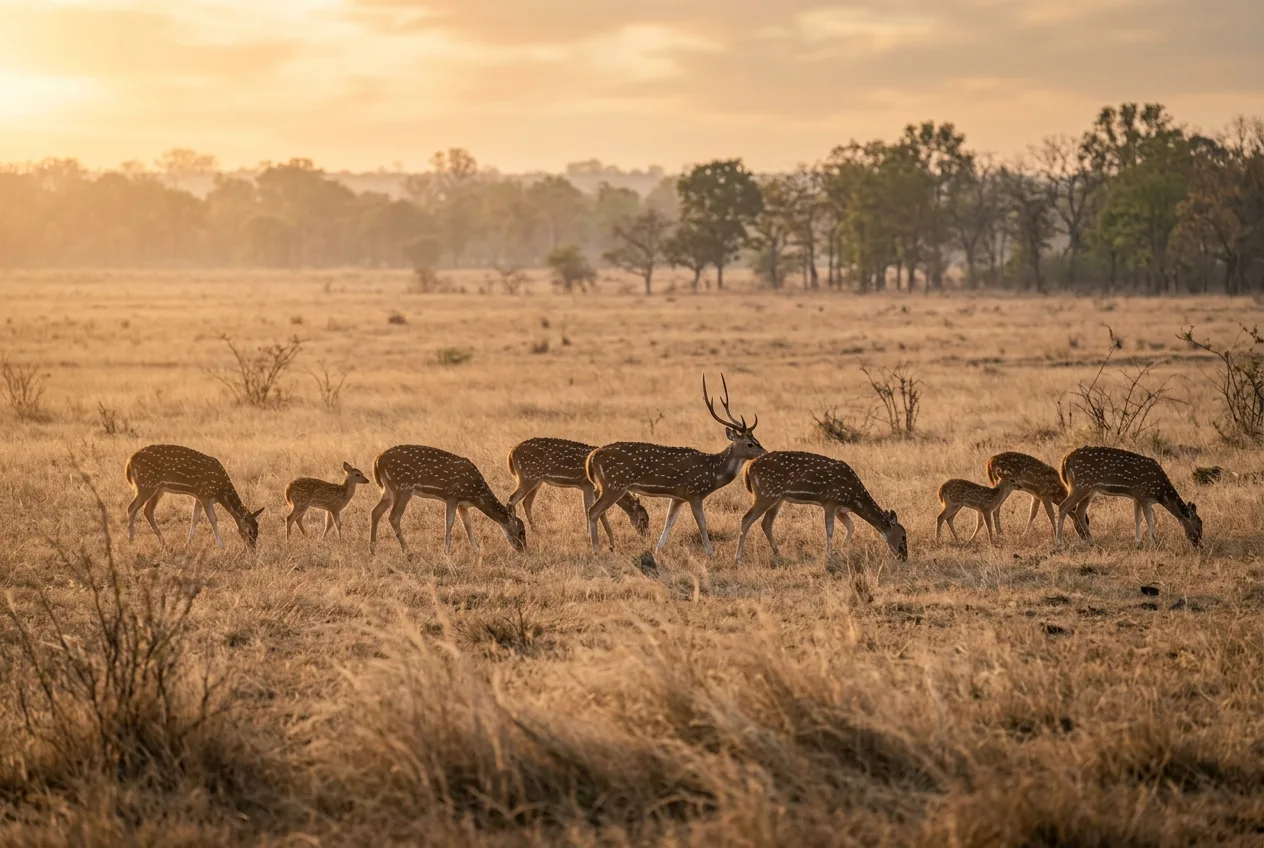
The placement trap is worth dwelling on because it fools careful people. Cameras set on trails and roads — exactly where you put them to catch carnivores or maximize detections — record animals using trails, which is not the same as animals being active. Tanwar and colleagues ran the clean experiment in an Indian tiger reserve, deploying trail cameras and random cameras side by side. The trail cameras showed ungulates — spotted deer, blue bull, wild pig, gazelle — with "predominantly diurnal activity with very few captures at night." The random cameras, sampling the landscape rather than the paths, revealed substantial nighttime activity in the same species; blue bull even flipped to a nocturnal peak, with the overlap between trail and random estimates as low as Δ = 0.41. The reason is behavioral: "trails are extensively used by predators during night," so the ungulates avoid them after dark — an anti-predator move that makes them look diurnal to a trail camera. The authors' warning is one every activity study should heed: published activity patterns drawn from carnivore-focused trail surveys "are likely biased towards diurnal activity". The overlap vignette makes the same point from the other side — a camera on a trail measures "walking on trails," so two species' overlap is the overlap in their trail-walking, and "a browsing herbivore and the carnivore stalking it are probably both 'inactive' by this definition". The fix is design: random or off-trail cameras give a more honest activity picture, and at minimum you should disclose that trail placement skews toward daytime.
A last, subtler caution: be careful pooling heterogeneous data of any kind, not just across seasons. Combining sites or periods with genuinely different activity inflates overlap estimates, "and this apparent overlap is an artifact of pooling". And remember what you're actually measuring is detections on cameras, which interpret "active" as "moving past a sensor" — a real but partial window on behavior. Interpret species interactions with care; the vignette's cautionary tale is a study where dhole and pig appeared to share the day, suggesting dhole ate pig, until scat analysis showed dhole mostly ate deer instead.
Most junk activity analyses aren't undone by the statistics. They're undone upstream.
Where this is heading: hierarchical models
Kernel density estimation is the field standard, and for most questions it's the right tool. But it's worth knowing its ceiling, because the methods literature is actively moving past it. Iannarilli and colleagues lay out KDE's limits plainly: it pools data across sites and so ignores site-to-site variability, producing over-confident uncertainty; it's sensitive to the bandwidth choice in small samples; it can't include covariates or formally test hypotheses; and it "only consider[s] records in which an animal was detected, discarding information about when sampling was conducted but the species was not recorded". That last one is subtle but real — a KDE throws away every camera-hour in which nothing happened, even though those zeros carry information about when the species wasn't active.
The proposed alternative is hierarchical models — trigonometric generalized linear mixed models (sine and cosine terms with site random effects, via `glmmTMB` or `lme4`) or cyclic cubic-spline GAMs (via `mgcv`) — which bin the data into time intervals, use the non-detections, account for site-to-site variability, and let you test how season or a competitor's presence shifts the curve. In a 100-site Minnesota study, this approach quantified black bear and coyote activity while exposing "considerable site-to-site heterogeneity, an aspect that has been largely ignored" by pooled KDE. These models are more demanding — a common rule of thumb is 10 or more sites before fitting random effects — and overkill for a single-species, single-site description. For most readers, KDE plus a clearly stated independence rule and a solar-time correction is the right call today. But if your question involves covariates, multiple sites, or formal hypothesis tests, this is where to look next.
Frequently asked questions
What's the minimum number of detections needed to estimate an activity pattern from camera traps?
About 100. Accuracy and precision improve sharply as the sample grows and then hit an asymptote near 100 detections, which is the recommended minimum before estimating an activity curve. You can fit a curve on fewer, but it'll be noisy and shouldn't carry much interpretive weight.
Should I apply a 30-minute or 60-minute independence filter to my photos?
It's genuinely debated. The filter is conventional and removes the pile-up from bursts and lingering animals, but a major analysis argues fixed time-to-independence filters are inappropriate for activity data — they can discard the bulk of some species' records and bias the resulting curves and overlaps. The defensible middle ground: always exclude burst frames, remove obvious non-independence, think twice before imposing a fixed clock window, and if you do filter, report its effect on your estimates.
What does the overlap coefficient (Δ) actually measure?
It's the area shared under two species' activity-density curves, from 0 (no shared activity) to 1 (identical patterns) — the fraction of the day two species are active in common. A common shorthand reads below 0.5 as low overlap, 0.5–0.8 as moderate, and above 0.8 as high.
Do I need to convert to "solar time," and how?
Yes, if your study spans seasons or sits well away from the equator — the farther from the equator and the longer the study, the more it matters. Pooling across shifting sunrise/sunset on a clock-time axis flattens peaks and can fabricate overlap. Use `overlap::sunTime()` or `activity::solartime()`, which anchor each record to sunrise and sunset by date and location.
Which R package should I use — `overlap`, `activity`, or `camtrapR`?
All three, for different jobs. `camtrapR` extracts the timestamps from your images and produces the record table and quick activity plots; `overlap` is the tool for comparing two species via the Δ coefficient; `activity` is best for estimating an overall activity level with confidence intervals. Note that `camtrapR`'s activity functions use clock time, so apply any solar-time correction yourself first.
Can I trust an activity pattern from cameras set on trails?
With caution. Trail-placed cameras record trail use, not activity in general, and can make a species look more diurnal than it is — ungulates avoid trails at night to dodge predators, so trail cameras understate their nighttime activity. Random or off-trail cameras give a more honest curve; at minimum, disclose that trail placement biases toward daytime.