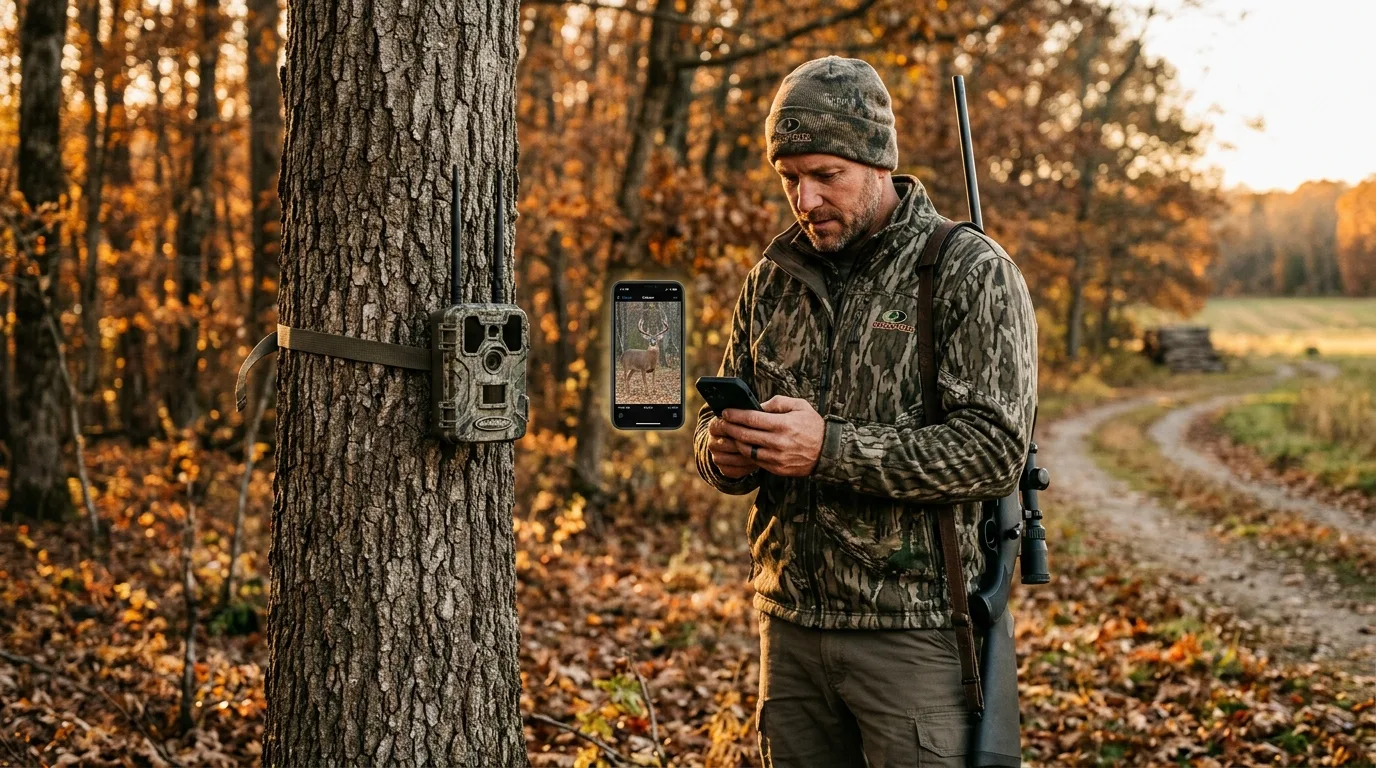
Here's the thing nobody tells you when you're buying your first trail camera: the price on the box is the smallest number you'll deal with. A cellular camera that costs less than a conventional one can quietly run up more in data fees, in a single season, than you paid for the camera itself. So the real question isn't which camera is "better." It's which kind fits how often you can actually walk to it, whether you have cell signal where it'll hang, and how much you want to spend feeding it after the purchase.
Let me give you the short answer first, then we'll get into why.
Buy a cellular camera if you only need one or two units, the spot is a pain to reach, and you'd rather pay a monthly fee than spook the area by hiking in to swap cards. A cell cam sends photos to your phone in near real time, so the only reason you ever have to visit it is to change batteries. Buy SD-card (conventional) cameras if you're running several, the spots are easy to check on your way past, you don't want a recurring bill, or — this is the one people forget — you don't have reliable cell coverage there, because a cellular camera with no signal is just an expensive box that eats batteries. Plenty of experienced people run a mix, and by the end of this you'll see why that's often the smartest move.
How each type actually works
Both cameras start the same way. A passive infrared (PIR) sensor watches for the combination of motion and a change in heat, and when an animal crosses in front of it, the camera fires. What happens to that photo next is the whole difference.
A conventional camera writes the image to a removable SD card. To see it, you walk out, pull the card, and read it on a computer or a viewer — then walk the card back. That's it. No app, no signal, no subscription. The catch is that you only know what the camera saw the last time you visited.
A cellular camera does everything the conventional one does, then uses a cellular modem and a SIM card to push the photo to an app on your phone, usually within minutes. Setup is a few more steps: you download the brand's app, pick a data plan, load batteries plus a SIM and (on most models) an SD card, scan a QR code to pair the camera, and set it up. TrailCamPro is honest about the trade-off — cellular cameras are "certainly more complicated to set up than a traditional trail camera" — but most still go up in minutes once you've done one. After that, the photos just appear, and the better apps sort them by species, time, weather, and moon phase so you're not scrolling through junk.
It helps to think of the cellular part as a small cell phone bolted to a regular trail camera. Like a phone, it needs a network to talk to, it burns power every time it connects, and it comes with a monthly bill. Hold those three facts in your head and the rest of this decision more or less makes itself.
It helps to think of the cellular part as a small cell phone bolted to a regular trail camera.
The cost nobody budgets for: data plans
This is where first-time buyers get surprised, so let's be specific.
Cellular cameras themselves aren't much pricier than conventional ones anymore — you can buy a good one for less than a decent conventional camera cost a few years ago. The expense is the data plan, and it recurs. As wildlife biologist Brian Grossman puts it, "you need to not only consider the cost of the camera, but also the data plan, as that expense will likely surpass the cost of the camera in a short time". Read that twice before you buy. It's the single most important sentence in this article.
How much? It ranges from free to genuinely expensive. Moultrie's own blog pegs the industry span at "anywhere from free to costing $60 or so each month, often paid upfront for a year," with some heavy multi-camera plans running about $1,000 a year. For a single camera on an unlimited-photo plan, most brands land in the same rough neighborhood — Outdoor Life's testers found plans running from about $5 a month to a little over $20 a month for one camera, depending on brand and tier.
A few patterns worth knowing as a beginner:
- There are real free plans. Spypoint offers free transmission of up to 100 photos a month, and Wildgame Innovations has a similar free tier. If you're a public-land hunter who hangs a camera on a scrape or a pinch point and doesn't get many photos, a free plan can genuinely be all you need.
- Annual billing saves money. Paying for the year up front instead of month to month is cheaper on most brands — Moultrie, for instance, says paying annually saves "up to 40%" on its plans. But most hunters don't run cameras 365 days a year, so Outdoor Life's testers suggest the opposite for seasonal use: pay monthly and cancel when you stop hunting.
- The cost explodes with more cameras. This is the trap. To run four cameras on unlimited photos, Grossman's comparison found a spread from about $25 a month (Stealth Cam Fusion) up to $80 a month (Covert), with most brands clustered between $48 and $72. That's $300 to nearly $1,000 a year, every year, for four cameras. Conventional cameras have no such bill.
- You're not locked to your phone carrier. A common myth, in TrailCamPro's words, is "that your cellular trail camera must operate on the same network as your personal cell phone." It's false — plans are bought directly from the camera maker and run independently. What actually matters is buying a camera built for whichever network (AT&T, Verizon, T-Mobile) has the best signal where the camera will hang.
Reputable brands have made this less scary than it used to be: Moultrie, for one, charges no activation fee and no cancellation fee and requires no contract, so you can pause for the off-season. Tactacam lets you pause and restart a plan anytime. Still — a conventional camera's "plan" is a one-time purchase plus batteries, full stop. Over several cameras and several seasons, that gap is the heart of the decision.
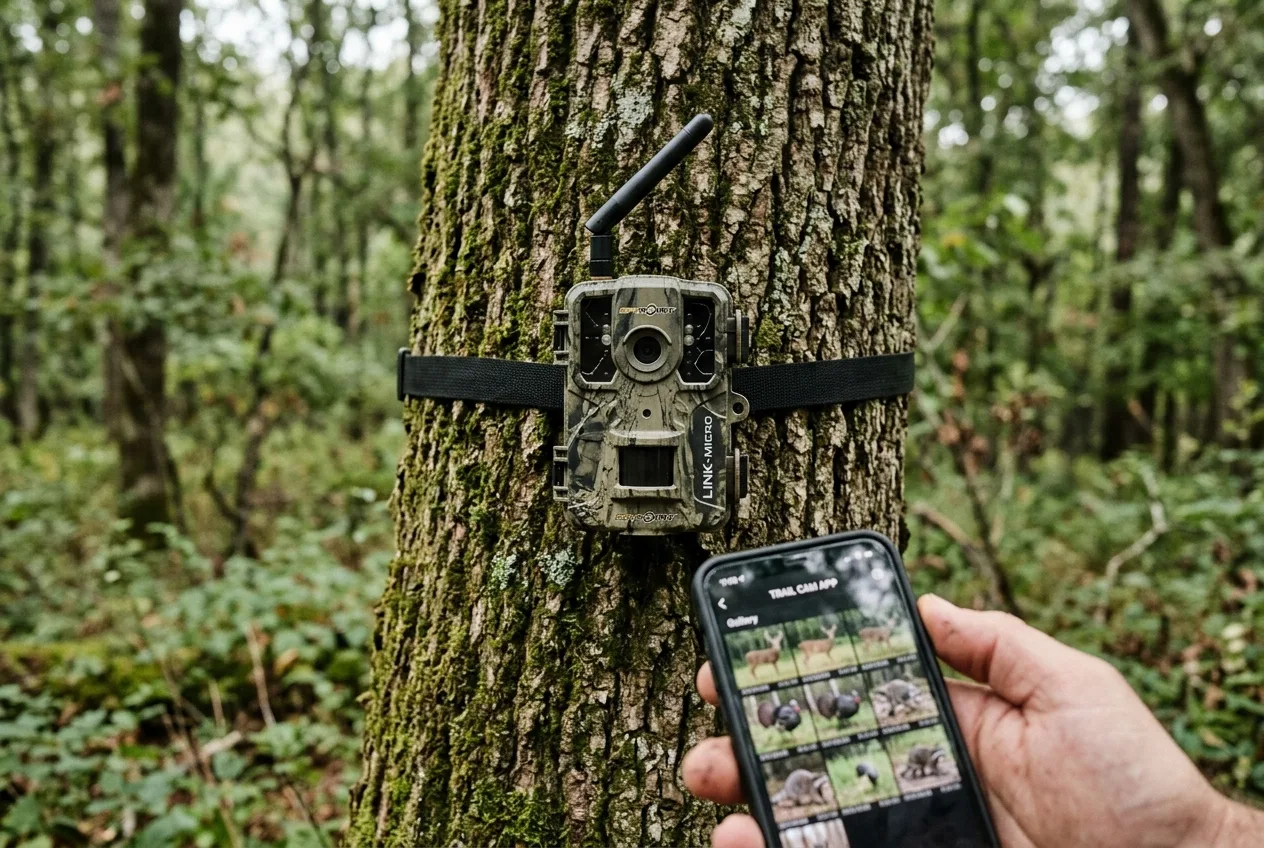
Coverage: the make-or-break nobody checks first
A cellular camera is only as good as the signal where you hang it. No signal, no photos — and worse, a camera in a weak-signal area drains its batteries fighting to connect.
This is exactly why conventional cameras refuse to die. Will Brantley, Field & Stream's hunting editor, runs more than a dozen cameras across multiple properties and reaches for conventional units partly because "60% of the areas I hunt have no cell phone service". If that describes your ground, the decision is largely made for you. Before you buy cellular, do the cheap test: stand where the camera will go and check your phone's signal. If you've got one bar or less, plan on an external battery or solar panel at minimum — or just go conventional.
There's a deeper layer here that's worth a sentence, because it explains why two cellular cameras can behave so differently. The cellular standard a camera uses changes how far into the backcountry it can reach and how much power it spends doing so. According to IoT connectivity provider Telit Cinterion, standard 4G LTE gives you the bandwidth for high-resolution images and video but "requires a strong signal and may not be ideal in remote areas," while low-power IoT standards like LTE-M are "designed for IoT devices like trail cameras," sip less power, and reach rural areas better. At the far end, satellite (non-terrestrial) connectivity "works virtually anywhere and is ideal for extreme remote locations," but it's higher priced and slower. You don't need to memorize the acronyms. Just know that "cellular" isn't one thing, and that a camera's coverage and battery life are tied together through whatever radio is inside it.
A cellular camera is only as good as the signal where you hang it.
Battery life: the cellular tax
If coverage is the first reality check, battery drain is the second. Cellular cameras eat power, and it's not subtle.
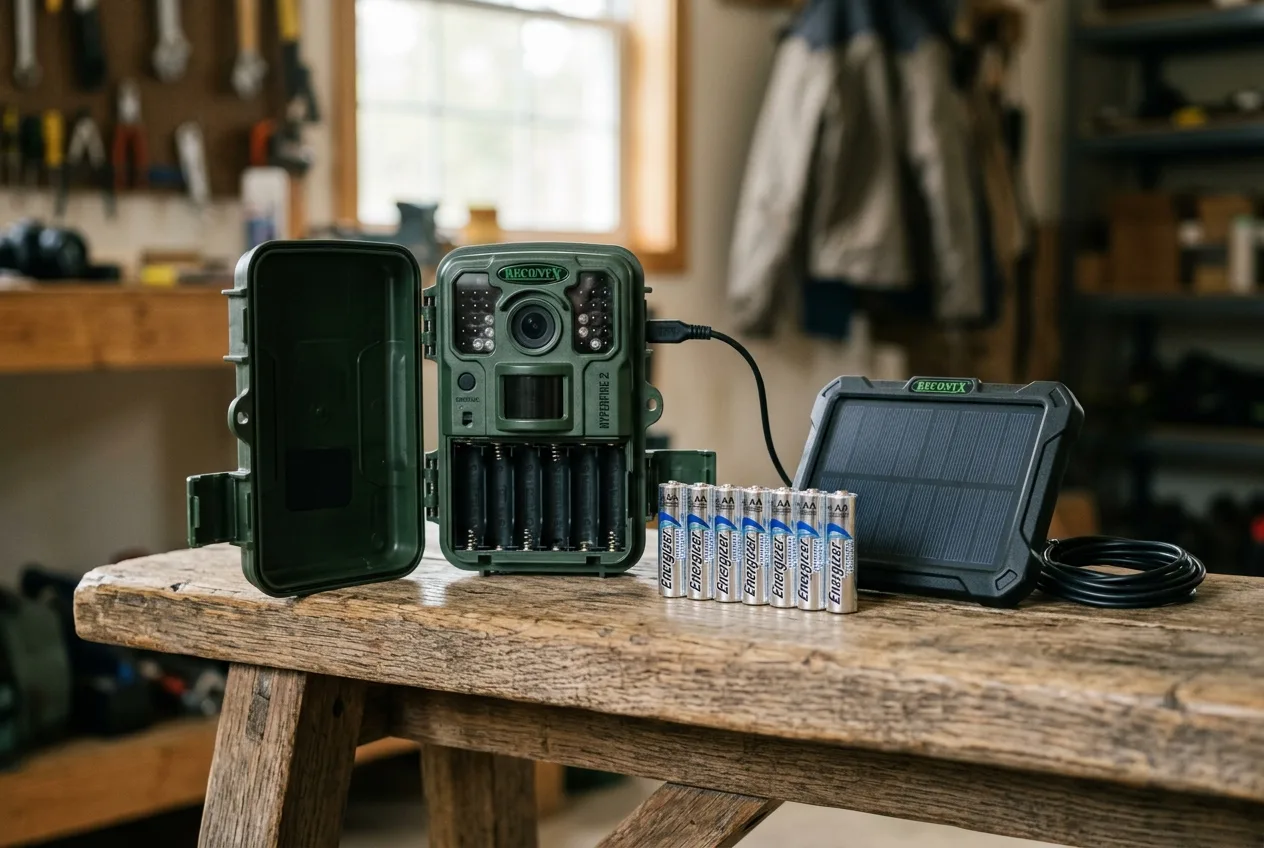
A conventional camera is famously frugal. A number of them, Brantley notes, will run an entire season — or longer — on just four AA batteries, which saves real money and pack weight when you're running several. A cellular camera typically needs 8 to 16 AAs to start and drains them noticeably faster. Put in numbers, the Australian retailer Pro's Choice estimates standard cameras run 6–12 months on lithium, while a 4G cellular camera "drains power 2–3 times faster due to constant cellular connections" — though with the right settings you can stretch it back to 6–9 months.
Here's the part that surprises people: the photos aren't what kills the battery — the connecting is. Each time the camera uploads, it powers up the modem, hunts for signal and authenticates with the network (often a minute or two), uploads, then powers down, and "that connection process burns significant power, not the actual data transmission". Which is why a camera uploading 20 photos once a day lasts longer than one uploading five photos four times a day. And it's why weak signal is so punishing: in fringe coverage, the camera stays connected longer and works harder, and that "can cut battery life by 50%".
Two things cost battery regardless of camera type, but they bite cellular cameras harder because there's less margin to begin with:
- Cold. Alkaline batteries lose about half their capacity below 5°C (41°F); cold nights under 10°C shave 20–30% off capacity. This is the classic "camera died in November" story.
- Video and burst. Video uses "5–10 times more power than photos," and burst mode (3–5 shots a trigger) roughly doubles consumption versus single shots.
The fixes are the same ones the experts use, and they're worth knowing before you buy so you set the camera up right:
- Run lithium, not alkaline. Lithium outperforms alkaline roughly 3:1 in field tests and keeps working in deep cold where alkaline quits. TrailCamPro sees the consequence constantly: "a huge amount of the cameras we test with perceived defects were simply receiving insufficient power from alkaline batteries". Skip standard NiMH rechargeables unless your camera explicitly supports them — they sit around 1.2 volts, which many cameras misread as "low battery".
- Throttle the uploads. Set a cellular camera to send once or twice a day instead of instantly, lengthen the trigger delay, and shoot photos instead of video.
- Add solar. For a camera you want to leave out for months, a solar panel more or less ends the battery problem — "six hours of daily sunlight keeps most cameras running indefinitely". Most modern cell cams support a panel, and many testers run them that way to get through a whole season untouched.
(For the record on how that 2–3x figure is established: independent labs measure these draws directly. TrailCamPro tests battery consumption with a Rigol oscilloscope sampling 10,000 times a second, then projects battery life on a standardized schedule — 35 day and 35 night photos every 24 hours for a conventional camera, but only 15 and 15 for a cellular one. The lower photo count for cell cams in the same standardized test tells you everything about their appetite.)
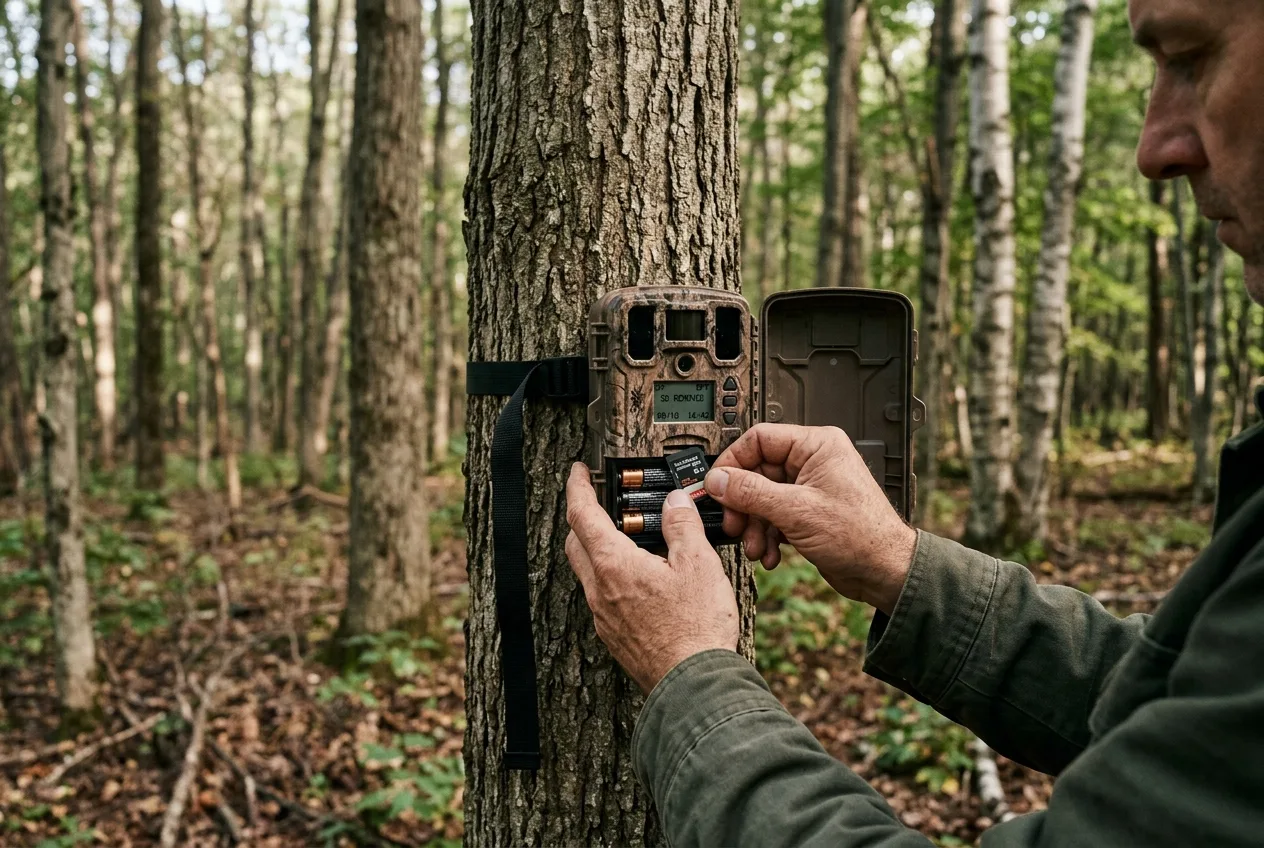
Image quality and storage
Beginners assume the camera with the bigger megapixel number on the box takes better pictures. It usually doesn't.
This is "by far the most common trail camera buying mistake," according to TrailCamPro, because most megapixel ratings are interpolated — the camera's real sensor captures something like 4–5 megapixels, and software pads the number up by inventing extra pixels. Those invented pixels don't add detail; they just bloat the file, which "consume[s] excessive storage" and slows the camera's recovery between shots. The lab's own challenge makes the point: shown photos from a 3-megapixel Reconyx and a 14-megapixel Bushnell side by side, even they can't tell which is which. So don't choose between cellular and conventional on the megapixel spec — it's mostly marketing.
That said, there's a fair generalization in the cellular-versus-conventional matchup: conventional cameras tend to deliver somewhat better image quality. Cellular cameras compress and shrink images to send them over the network, so the photo that lands on your phone is "plenty good enough for scouting" but not always as crisp as what a conventional camera writes straight to a card. Brantley's take is that standard cameras "typically have more megapixels" and are the ones to use over a feeder or food-plot edge "to take really crisp, detailed photos of a buck". Many cell cams do let you pull a high-resolution version of a specific image on demand if you want it.
On storage, the practical notes are simple. For a conventional camera, a 32–64GB card is plenty; you don't need the fastest card on the shelf, and ultra-fast cards can actually cause problems on some models. One genuinely useful warning: don't try to read a trail-camera card with a handheld point-and-shoot camera — it'll often "lock" the card and you can lose the whole deployment. Use a computer, a phone adapter, or a dedicated viewer. Many cellular cameras sidestep card hassles entirely with built-in internal storage.
So don't choose between cellular and conventional on the megapixel spec — it's mostly marketing.
The disturbance factor: how often can you visit?
This one matters more than beginners expect, and it's where cellular cameras earn their keep beyond mere convenience.
Every time you walk to a conventional camera to pull the card, you leave scent and pressure on the spot. The whole appeal of cellular, as the National Wild Turkey Federation frames it, is "less impact on wildlife — the only time it is necessary to access the device in person is to change batteries". Brantley puts cell cams exactly where he doesn't want to be tromping around — on trails and creek crossings near bedding cover, deep in the timber — precisely because checking a card there would blow out the area.
A caution worth stating plainly, because it cuts the other way: cellular cameras make it easy to over-check. Getting a buck's photo on your phone at 2 p.m. is not a license to go sit on him at 3. It's exactly this real-time temptation that has put cellular cameras under restriction in a number of states during hunting season, so check your local rules before you rely on one — but even setting ethics and regulations aside, hunting a spot the instant a camera pings it is a good way to educate a mature animal fast.
Security, theft, and who else can watch
Two opposite security angles matter here, depending on whether you're the one being watched.
In your favor: a cellular camera doubles as a remote security guard. For absentee landowners, it provides obvious surveillance, and the nice part is that "folks with nefarious intent might be able to sabotage the camera, but not before it sends pictures of them back to" you. A conventional camera, by contrast, only tells you it was stolen when you show up to an empty mount — and conventional cameras are easy to steal and leave no trail. Many cellular models add GPS so you can locate a stolen or moved camera, and on some it keeps reporting for up to 72 hours even after the battery is pulled. Either way, a lock box and a cable lock are cheap insurance.
In your favor: a cellular camera doubles as a remote security guard.
So, which should you buy?
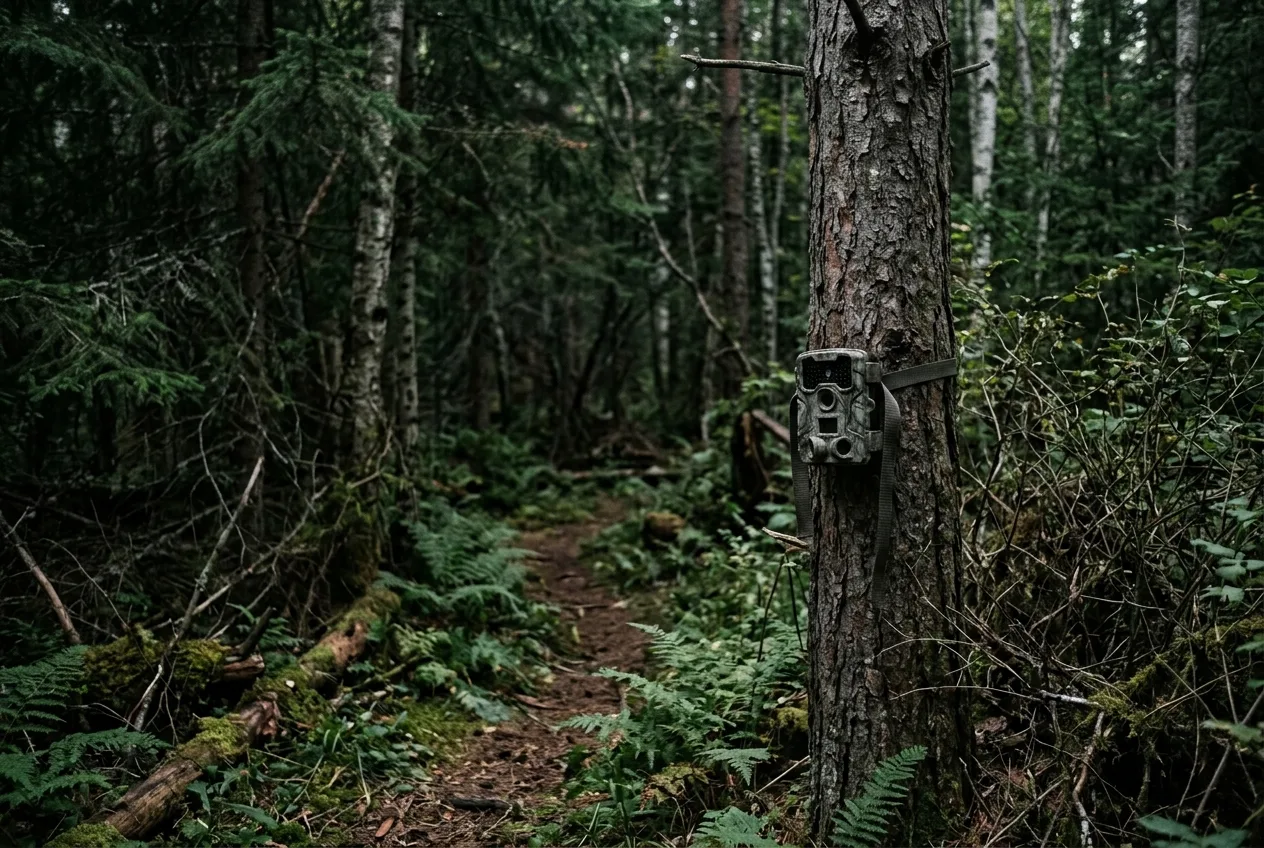
Strip away the details and it comes down to a few honest questions about your situation.
Lean cellular if: you need only one or two cameras; the spot is hard to reach or you want to avoid pressuring it; you have decent cell signal there; you value real-time information and don't mind a monthly fee; or you want remote security on an absentee property. As Brantley puts it, "if you only need one or two trail cameras, spring for cell cams" — once they're running, they're less hassle than conventional ones.
Lean conventional (SD-card) if: you're running several cameras and the data bills would stack up; the spots are easy to check on your way past, like a feeder or food-plot edge; you have no reliable cell coverage; you want maximum image quality and longest battery life; or you hunt where cellular cameras are restricted.
And honestly? Many experienced people run both, on purpose. The mix Brantley recommends is conventional cameras in the easy-to-check, high-traffic spots and where there's no signal, with cell cams used as "surgical tools" — placed on a specific buck's bedding-area sign deep in the timber to home in on his routine without ever disturbing him. That's not a cop-out; it's matching each tool to the spot. You don't have to start there. Buy one camera of the type that fits your most important spot, learn how it behaves, and add from there.
If you're still on the fence, default to this: a single budget-friendly cellular camera if your top spot has signal and you'd rather not hike in, or a couple of conventional cameras if you want to cover more ground cheaply and don't mind pulling cards. Either way you'll learn fast what your ground actually needs. Trail Camera Placement for Beginners: Height, Angle, and Direction
Frequently asked questions
Is a cellular trail camera worth the monthly cost?
For one or two cameras in spots you'd rather not disturb, usually yes — the real-time photos and the reduced need to visit are worth the fee to most people. But the data plan typically costs more over time than the camera did, and for several cameras those fees stack up fast, so for multi-camera setups in easy-to-check spots, conventional cameras save real money.
Do all cellular trail cameras require a subscription?
Effectively yes — they need a data plan to send photos — but a few brands have free tiers. Spypoint and Wildgame Innovations both offer free plans for up to 100 photos a month, which can be enough for a low-traffic public-land spot. Paid unlimited plans for one camera generally run about $5 to $20+ a month depending on brand.
Do cellular cameras work where there's no cell service?
No. A cellular camera needs a signal to send photos, and in weak-coverage areas it not only fails to transmit but drains its batteries trying to connect, which can cut battery life roughly in half. If your spot has no service, buy a conventional SD-card camera instead.
Which has better picture quality, cellular or SD-card?
Conventional SD-card cameras generally have a slight edge, because cellular cameras compress images to send them over the network. Cellular photos are still "plenty good enough for scouting," and you can often download a high-resolution version on demand — but ignore megapixel counts on the box, since most are software-inflated and don't reflect real detail.
How long do batteries last in a cellular trail camera?
Less than half as long as in a conventional camera. Conventional models can run a full season on as few as four AAs, while cellular cameras need 8–16 AAs and drain them 2–3 times faster — roughly 6–9 months with good settings, versus 6–12 for a standard camera. Use lithium batteries, limit uploads to once or twice a day, and add a solar panel for long deployments.